
How to Make a Raindance AI Video From One or Two Photos
Prepare solo or duet photos, choose a scene and inspect a Raindance AI clip. Understand the current silent export and the separate audio-sync step.
Start with one clear adult photo for a solo, or two separate photos for a duet. Pick a scene, generate the visual clip, then inspect every face and shot before adding music or posting.
Prepare the people
Use one adult per photo, with a clear face and natural light. Avoid strong beauty filters, hidden faces and mixed identities in group photos. In a duet, photo one is the lead singer and photo two the partner. Similar lighting and camera distance make the direction easier to follow.
Choose the visual direction
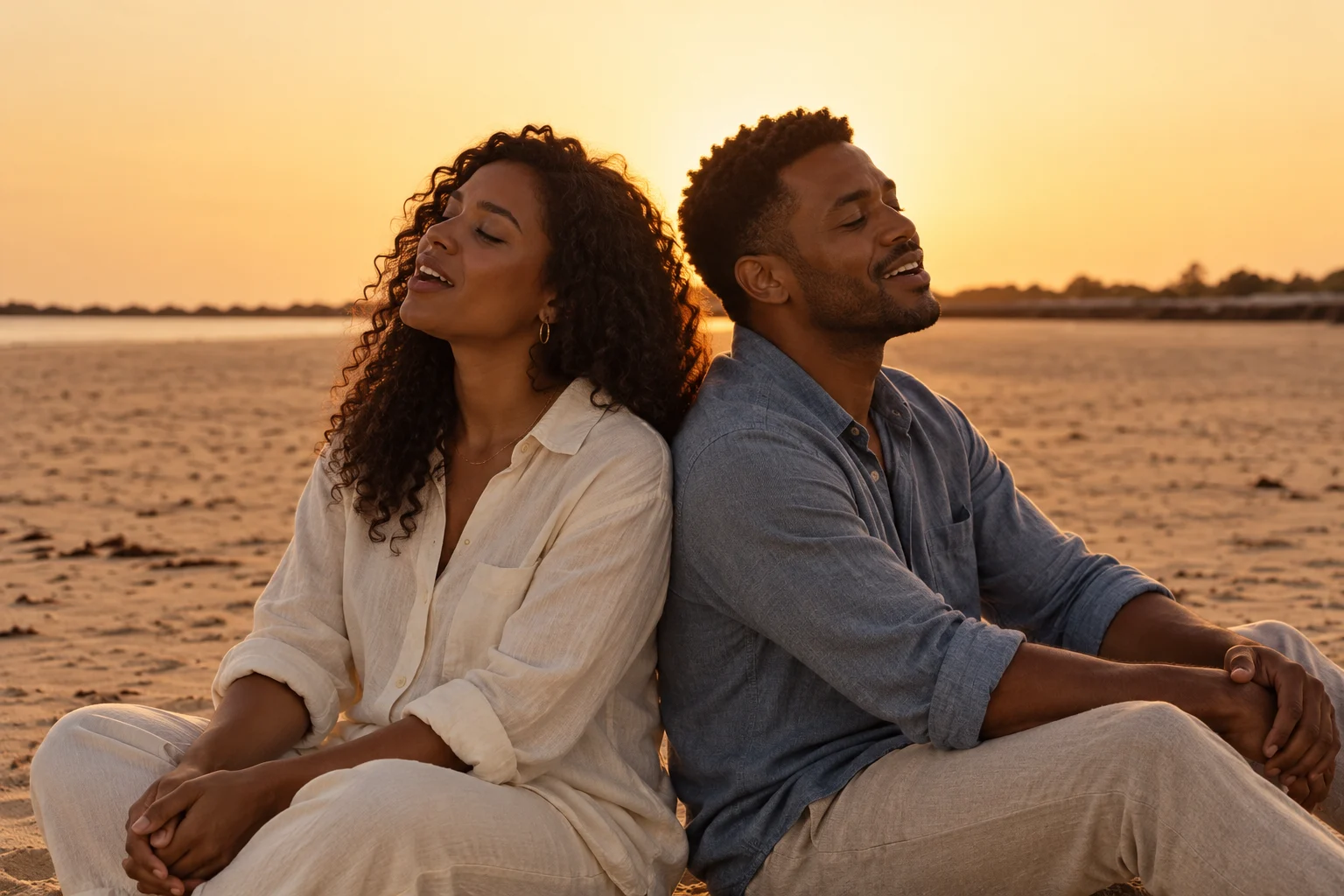
The lagoon pier uses weathered timber, black tires and blue-green water. The beach duet puts two people back-to-back on sand. Rain, reception and orange-room settings are optional creative variations; they are not reconstructions of the supplied reference MV.
Generate and check the result
Open the generator, upload the photos and choose the mode, scene and length. An 8-second request uses 10 credits; a 15-second request uses 20. Sign-in is required to generate. Render time depends on the model and queue; My videos stores the task and result.
Before downloading, check:
- Both faces remain recognizable in a duet, including the solo close-up.
- Hair, clothes and body proportions stay consistent.
- The scene and camera angle match your intended brief.
- Cuts do not hide identity drift or a failed frame.
Finish the audio separately
The current export is a silent 9:16 MP4. You can add an available official sound in the posting app. Exact singing is a different task: the correct audio segment must drive a lip-sync process, then be checked in the final edit. Current generation does not include that step.
Read scene prompts and adding music without confusing it with lip sync.
Sources and scope
The Raindance video credit names Dave featuring Tems. That credit identifies the recording; it does not establish whether AI was used anywhere in its production. The scene prompts and current generator limitations on this page describe this independent tool.