
Stereo Love Funk: Film the Dance or Build a Photo Edit
Find the right sound, choose between a filmed dance and a multi-photo template, and prepare the clips before you start editing.
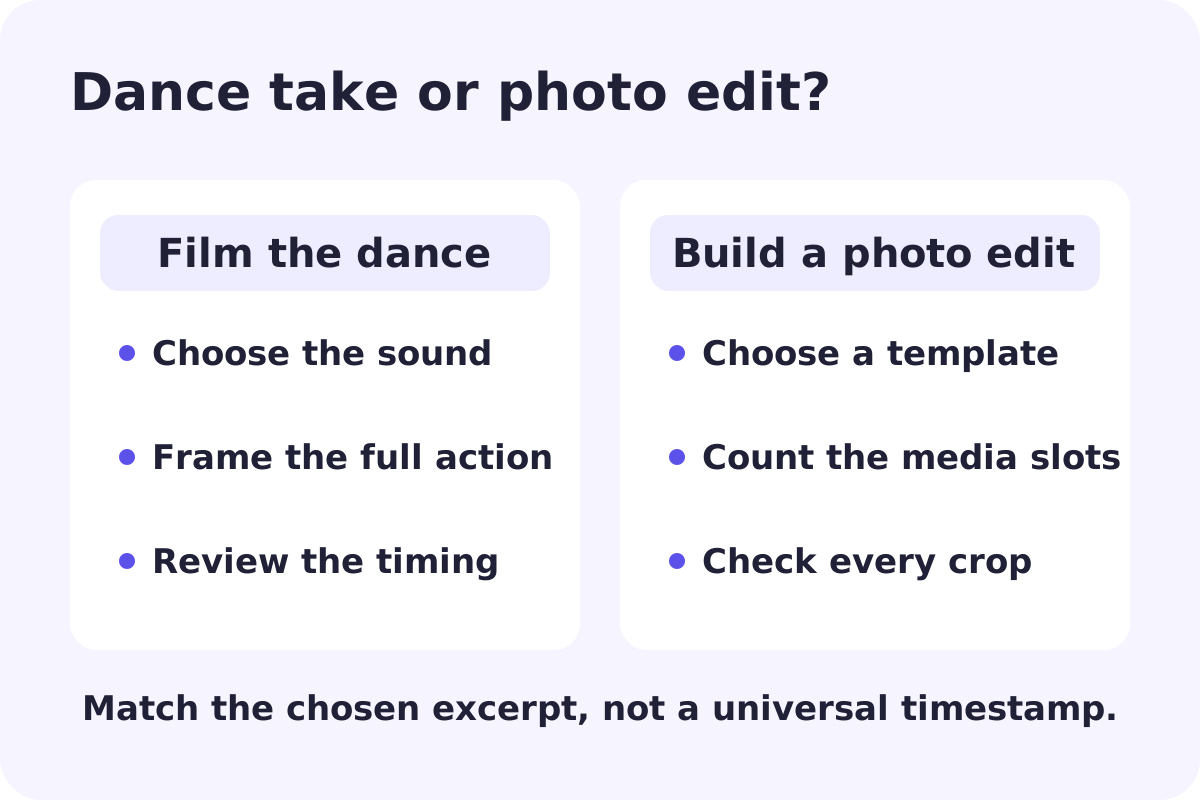
If you want to make a Stereo Love Funk video, choose the kind of video first. Following a dancer's movements and replacing photos in a beat-synced template lead to very different projects. A dance needs a clear performance and enough room in the frame. A photo edit needs the right number of pictures or clips and a template whose crop works with them.
Raindance's fixed-song MV is a separate format. It does not become a Stereo Love Funk video by changing the page you enter from, and its regular silent scenes do not reproduce a dance tutorial. For this trend, the useful first steps are choosing the sound, preparing your own material and editing it to fit.
Check the artist and speed before you cut anything
“Stereo Love Funk” is not a unique recording title. Cotneus, PVNZER and Kngmn's Spotify EP is dated May 20, 2026 and lists the main track alongside Slowed, Ultra Slowed and Speed Up versions. XLKA also has a same-title release, dated October 13, 2024. These release details were checked on October 16, 2026. A similar title is not enough to establish that two clips use the same recording.
Open the sound attached to the video you like, note its artist label, and listen to the exact excerpt. Keep that choice while filming or filling a template. Switching between an original-speed clip and a slowed version late in the edit can move the action away from the musical cue you were aiming for. There is no single drop timestamp that applies to every version and excerpt.
If you want to film the dance
For a starting point, open Vanessa Evia's Stereo Love Funk dance tutorial or FAST DANCE by YJIN's Stereo Love Funk clip. Choose the performance you actually want to learn and compare its attached sound with your selected audio. This page links you to the creators; it is not a step-by-step transcription of their choreography and does not claim that a text prompt can reproduce it.
Set the phone far enough back to keep your hands and feet in view, and leave space on both sides for movement. A fixed camera makes it easier to compare your take with the reference. Practise the movement without recording first, then record a continuous take. If you use a slow playback setting to learn, return to the intended playback speed before judging the final timing.
Watch your recording muted to check framing and movement, then with the selected sound to check timing. If a foot or hand leaves the frame at the important moment, refilm before adding effects. Transitions cannot restore a movement that was cropped out of the original shot.
If you want a photo or short-clip template
For a concrete example, FedryDwi’s CapCut template lists 22 clips in 9:16. That gives you a different preparation task from filming one dance take: you need enough usable images and short clips to fill the sequence. These public requirements were checked on October 16, 2026; confirm the slots, crop and any charges in the editor you actually open.
Choose the template structure before you make your selection. Count the media slots and inspect each crop in the template preview. Keep the subject at a similar scale when you want a smooth sequence; use a deliberate change of framing when you want the cut to feel sharper. Replace every placeholder and check that no repeated or unrelated image slipped into the last slots.
These are editing templates. Their existence does not mean that one portrait automatically becomes a choreographed video, or that this site supplies those templates. If a link opens a different region, app version or offer, use the requirements shown in your actual editor.
Line up the edit with the chosen excerpt
First make sure the sequence works without extra effects. Find the musical cue you want the important image change or movement to land on, then adjust that cut. Work outward from that point instead of shifting every clip independently. Recheck the beginning and end after trimming so the post does not open on an accidental blank frame or end halfway through a movement.
Preview the exported file on a phone. Look for awkward crops, text too close to the edges, softened faces and a soundtrack that has shifted from the edit preview. Keep a clean copy of your original footage or photos so you can change the template or sound later without recreating everything.
When you need an AI character to follow the dance
That is a third workflow, and it needs its own inputs. A plain text-to-video request can suggest movement without preserving the original choreography. To follow a particular performance, check for a genuine video-reference or motion-transfer mode and prepare a readable character image. The photo and framing checks in our Crazy Frog reference-video guide also apply when preparing inputs, though its riding action and pursuit are a different performance from a dance. It does not turn the Raindance MV into a custom-song or motion-transfer tool.