
Original orange-studio performance
Two separate photos become an original orange-studio duet with a hanging microphone. Make a silent 8- or 15-second vertical clip, then choose your own music.
Explore the scene directionHotel Lobby / Migos
Give two friends a shared moment in a warm orange studio. One hanging microphone, a small gesture from the left performer and a nod from the right keep the scene easy to read. Your photos guide a new performance; the original recording and choreography are not included.
Tip. Use similarly lit portraits with visible faces. Keep the left and right photos in order, then add your chosen music after downloading the silent clip.
Read the photo, soundtrack and edit guide
A scene has more than a color.
Start with the setting, then the camera and the people. These original concept images explore the visual direction of the supplied reference.
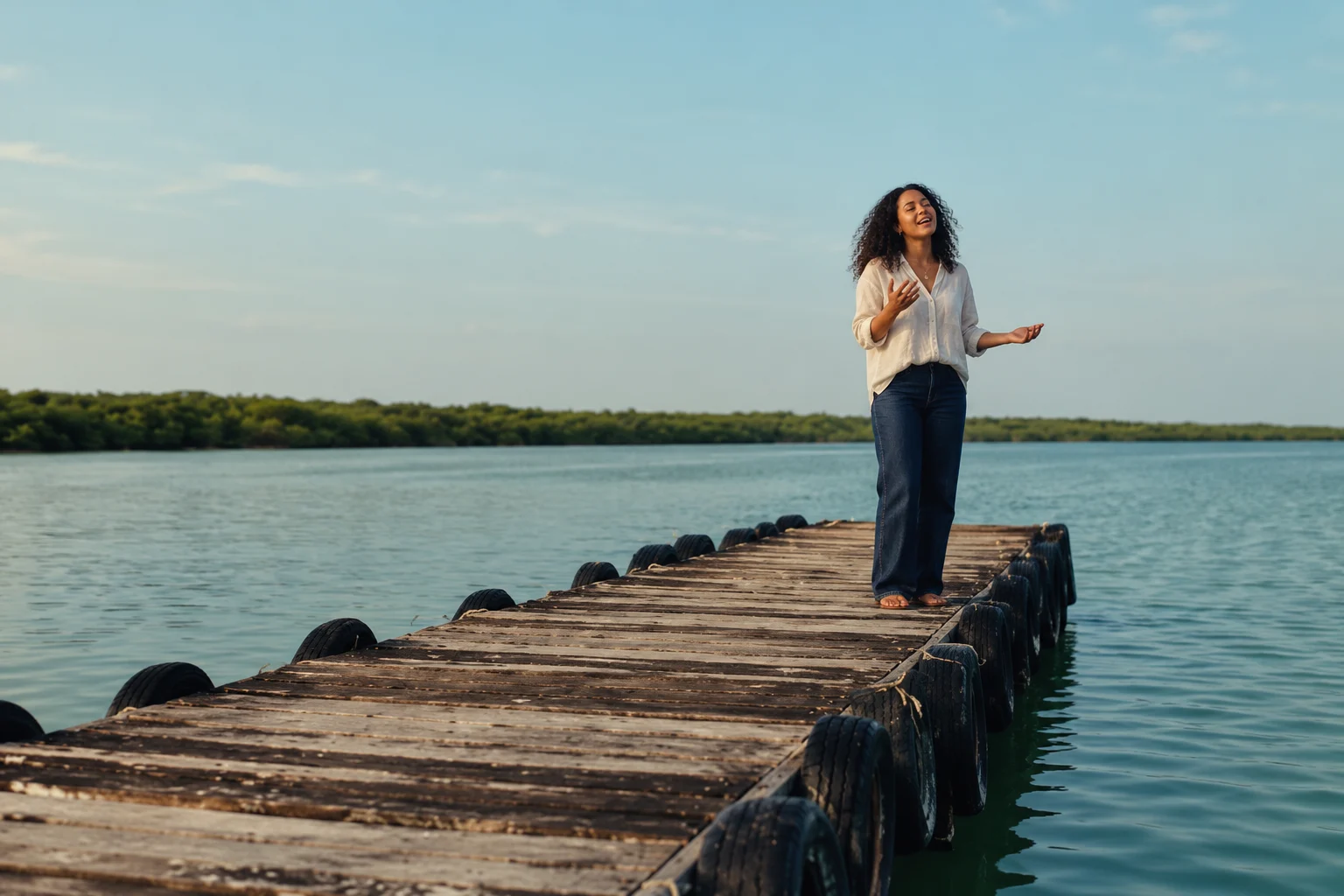
The pier. Your moment.
Weathered timber, black tires and the quiet blue-green lagoon. A grounded daylight scene, with you in focus.
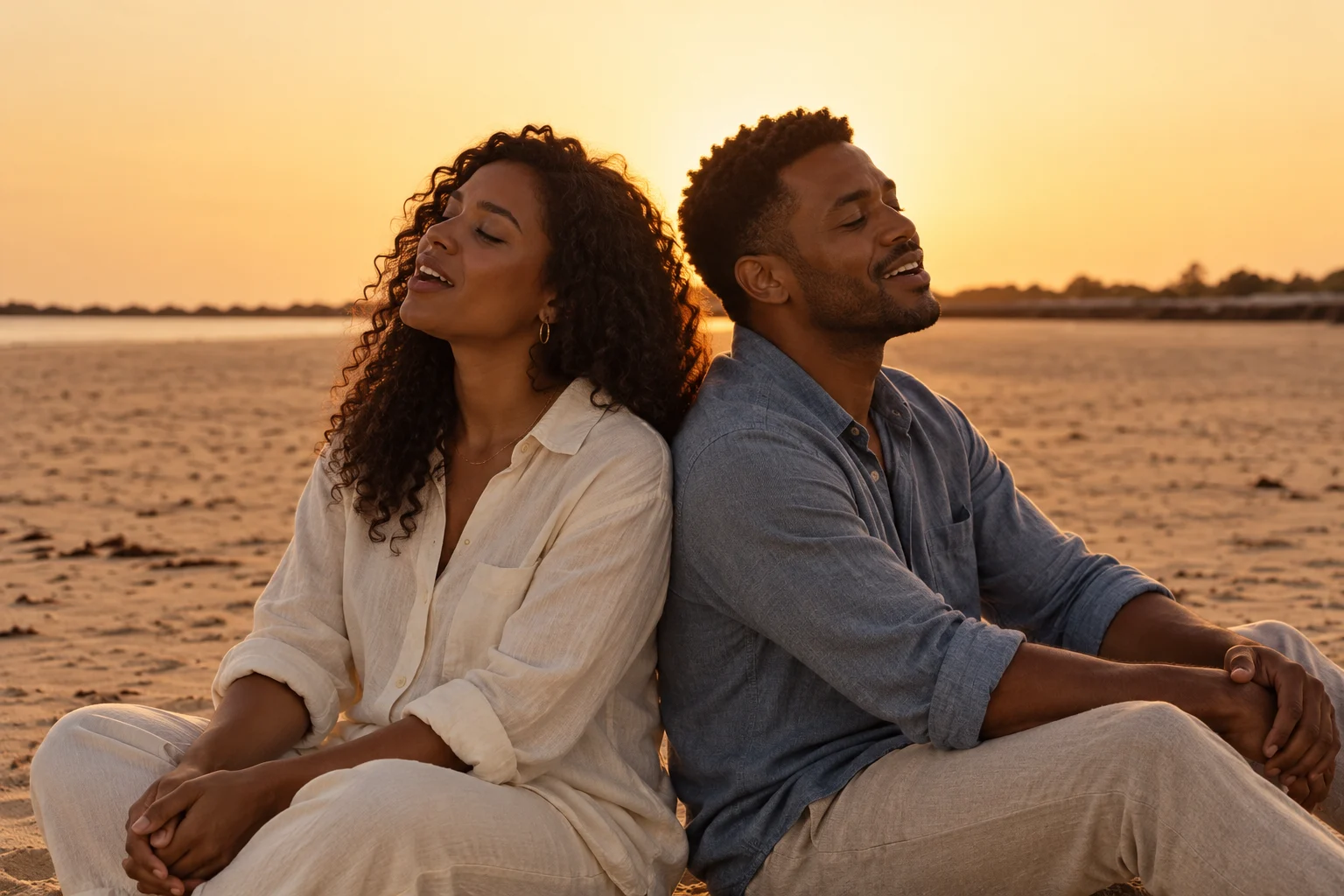
Two people. One duet.
Sitting back-to-back in warm beach light. Two separate identities, one shared frame.
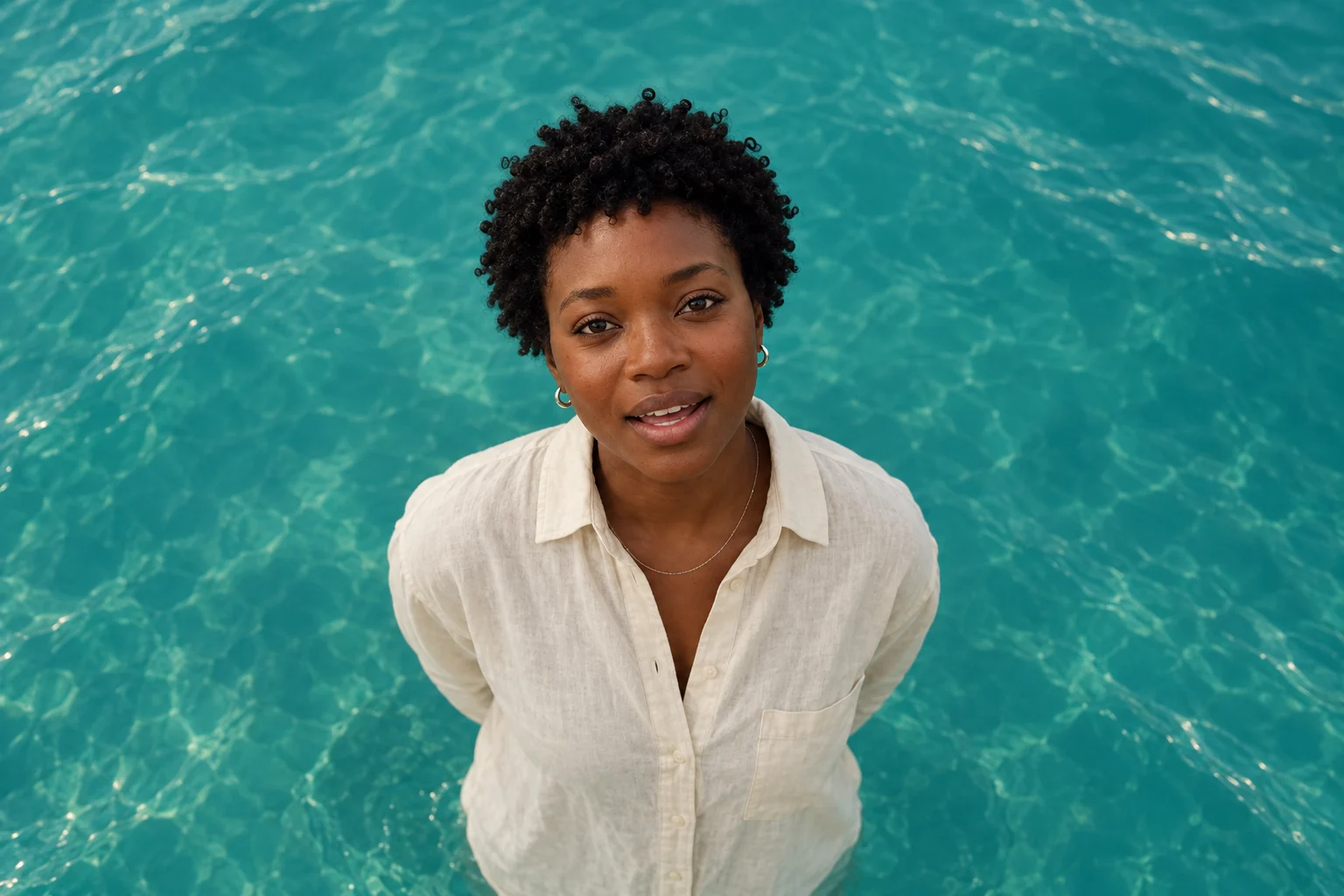
Closer to the song.
A singer close-up against teal water, viewed from above. No studio wall, no invented horizon.
From your photos to a scene.
The scene brief
A low wooden pier, black tires, teal water.
Keep the face and outfit consistent across shots.
Start with the people in your story.
For an MV, add two separate adult photos, one person in each. Choose a silent scene for one-person or pet ideas. Clear, front-facing photos give the model a stronger reference.
Try itGenerator shot direction
- Your photo, held for a beatOpening, still
- Close-up, singingClose-up, soft light
- The whole sceneWide, slow push-in
Compose the scene before the motion.
The current generator requests a short sequence of shots. Exact cuts and identity consistency depend on the model. Reproducing a specific MV edit needs a shot-by-shot reference and separate validation.
Try itYour MV workflow
- 1Create the complete 15-second visual sequence.
- 2Run the song-driven lip-sync stage.
- 3Review and download the finished MP4 with sound.
Picture, lip sync, then your MP4.
Raindance MV automatically runs song-driven lip sync after generating the full clip. Download the second-stage video directly with its sound. Other templates remain silent; check music permissions before publishing.
Read the guideQuestions
Make it yours.
Start with your photos.
Two photos for your MV. One for a solo or pet scene. Sign-in is optional.
Make your first video